
The easiest way to play untranslated Japanese games
A simple and easy-to-use universal game translator.
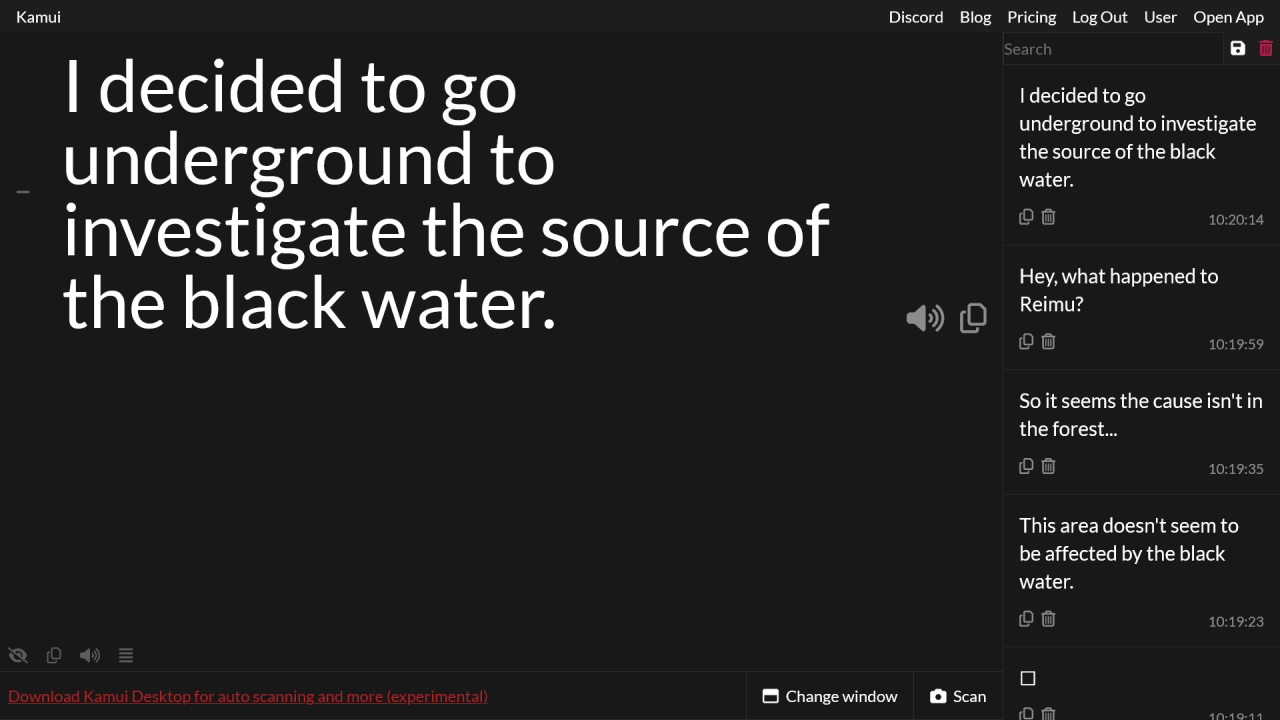
Combines all sorts of functionality for an all-in-one experience
High-quality OCR, AI-powered translation and more, all in a single window.
High-accuracy OCR
Thanks to Google Cloud Vision technology, Kamui features 99% accuracy Japanese text OCR.
Think like Google Lens, but way more convenient to use. Even blurry and pixelated kanji don't stand a chance.
Windows app with overlay and auto-OCREXPERIMENTAL
Download Kamui Desktop (Windows-only) for greater ease of use, including a game overlay and fully automatic OCR!
AI-powered auto translation
Immediately get translations for all scanned text. GPT-4.1 available!
How to use
- Step 1
Enable "Translation mode".

- Step 2
Click "Select window".

- Step 3
Select your game's window.
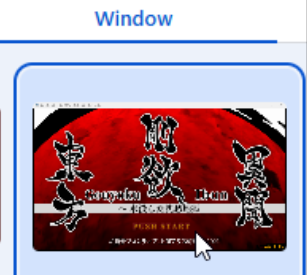
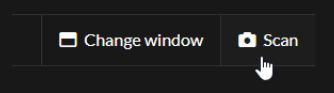
- Step 4
Click "Scan".
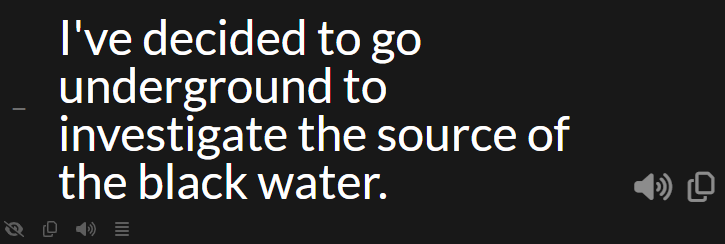
- Step 5
You'll get the text currently displaying in the game, but translated!
Frequently Asked Questions